Caption live streams, events and video files
A satellite channel. A commencement. A city council meeting. A forty-year-old archive tape. One caption pipeline can put the words inside the stream, on a phone, on a wall or into a file.
- No hardware encoder
- No per-channel licence
- AI or professional CART
 The cross comes in — headed home for 2–1
 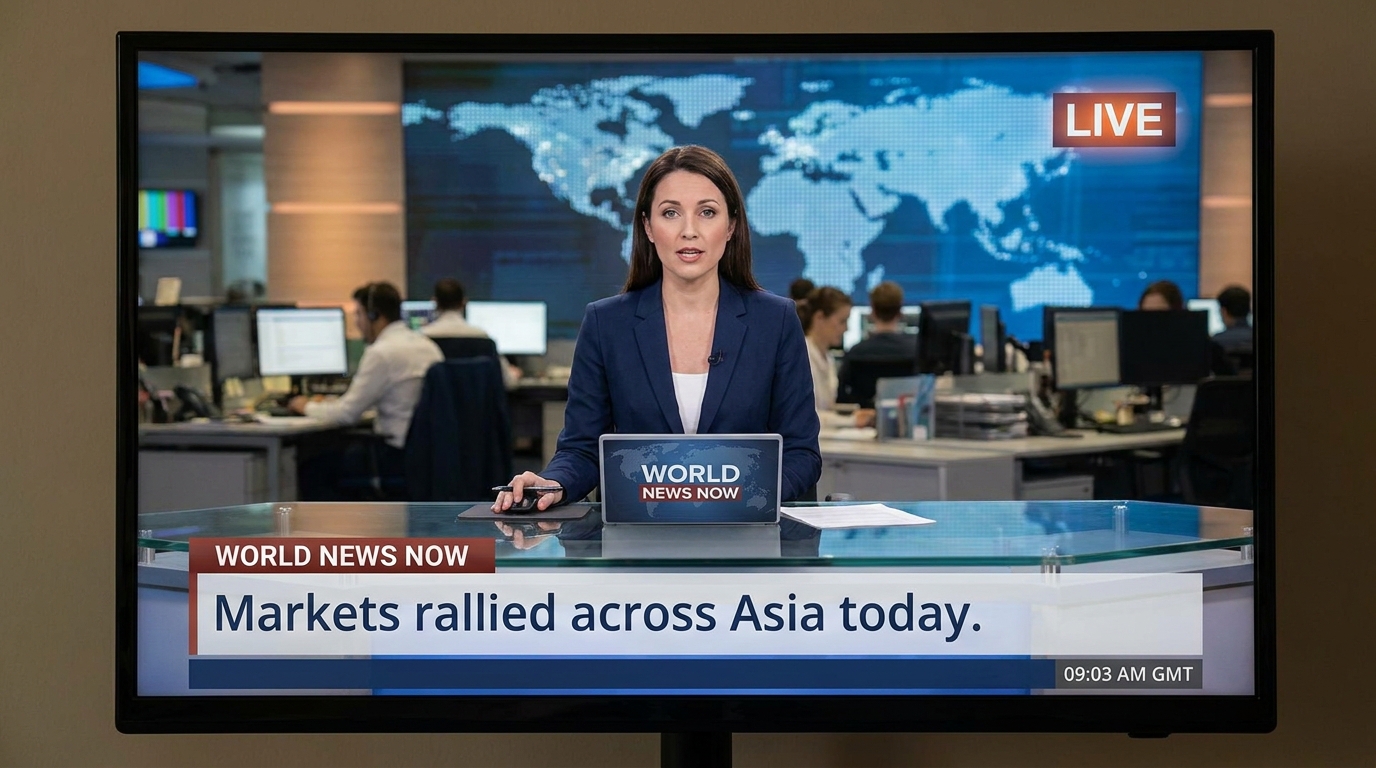 Markets rallied across Asia today
 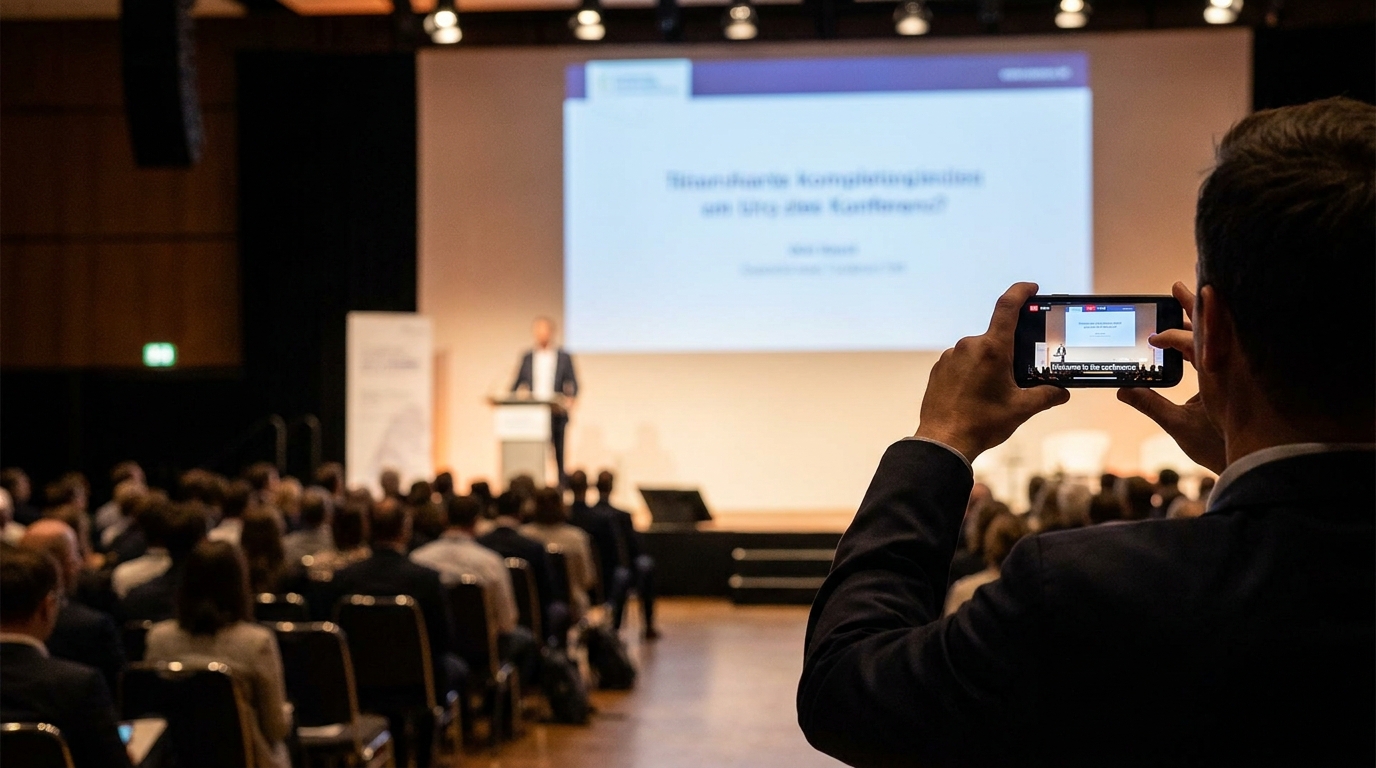 Live captions are on in six languages
 Trusted when the words have to arrive live







Looking for the commercial answer?
Start with the room you run
SyncWords Live
Put captions inside the stream
Choose the seam in your chain. We join it without re-encoding the video or asking you to replace the vendors around it.
SRT before the transcoder
Embedded EIA-608 for North American chains, with Teletext, DVB-SUB and DVB-TTML for broader scripts and markets.
HLS at the origin
Write WebVTT into the stream you already publish. The CDN and players stay untouched.
RTMP for social destinations
Point any RTMP(S) encoder at SyncWords and send a captioned output onward.
The encoder you already own
Drive existing caption hardware over IP while you migrate at your own pace.
Caption timing
Half a second to the video. Under two to the captions.
On an SRT workflow with no added buffer, SyncWords can add as little as half a second to the video path while caption delay stays typically under two seconds.
- ½ second
- as little as we add to the SRT video path
- <2 seconds
- typical caption delay in the same workflow
Live monitoring
The numbers your operator watches
Wherever the room is, the service looks the same from the booth: stream health, caption delay and every output language on one screen while you're on air.
- Stream health and caption delay at a glance
- Every output language and where it's going
- Catch trouble before the audience does
 Live
Live Commencement — Main stage
48105 SRT → SRT Acme Media, live desk
24.8Mbps
Incoming media rate
12ms
Round-trip to source
24.6Mbps
Outgoing delivery rate
9ms
Downstream round-trip
83,859
Characters transcribed
412,304
Characters translated
46 min
Dubbed minutes
3h 03m
Processed audio time
Monitoring dashboard →
Events
Put the words on every phone and every wall
Start a session and get a URL plus a QR code in under 60 seconds. No video is required. A microphone and a browser are enough.
See the Events platformAttendee phones
One scan opens a branded caption page with no app to install.
In-room screens
Route the live caption page through OBS to the confidence monitor or house display.
Virtual rooms
Deliver into Zoom, Microsoft Teams and Adobe Connect, or embed the widget in the event platform.
After the live session
The transcript is yours
Export the original words or any translated language as plain text, SRT, WebVTT or DFXP. Take the whole session or the exact time window you need.
Explore the Live APITimecodes that match your recording
Start from the selected window, align to the program feed or reset the first caption to 00:00:00.
Ready for the next system
Request an export through Live API v2, follow its status and collect the finished file automatically.
Every session language
Export the original language or any translation already running on the service.
Four useful formats
Download plain text, SRT, WebVTT or DFXP for editing, publishing or archiving.
VOD Express
We also do VOD
Send us video or audio files and get captions, subtitles, dubbed audio or a multilingual video master back automatically.
Explore VOD ExpressBuilt for backlog-sized volume
Daily clips, user uploads and large libraries move through in parallel.
The package you declare
Return standalone captions, muxed subtitle tracks, dubbed audio and multilingual video masters in the combination your workflow needs.
Professional CART
Put a human where the moment calls for one
Book a professional captioner through the same platform in English, Spanish, Portuguese or French. Bring your own trusted captioner if you prefer.
Human on the keynote
Reserve professional CART for the highest-profile moments on the agenda.
AI on every breakout
Carry the rest of the agenda without multiplying vendor coordination.
Choose session by session
Assign professional CART or AI to each room without moving the event between vendors.
Captioning questions worth asking
Will this make our organization compliant?
Compliance rests with your organization. SyncWords gives you the output side of the job: captions built to the FCC Title V criteria for accuracy, synchrony, completeness and placement, in the formats regulators and distributors ask for.
Do you output CEA-708?
SyncWords outputs EIA-608. Downstream systems that expect 708 receive the 608 carried inside it.
What happens with names and terminology?
Custom ASR dictionaries help the captioning engine recognize names, acronyms and specialist terms. Translation glossaries control the preferred wording in each target language.
Can I export the transcript after a live session?
Yes. Export the source language or any translated language as plain text, SRT, WebVTT or DFXP. You can choose an exact time window and align its timecodes to the recording.
How is live captioning priced?
Pricing follows the live hours and caption outputs you run, not the number of channels you keep configured. There is no per-channel licence, and the effective hourly rate falls as committed volume rises.
Bring the stream, the room or the difficult file
We will put captions where you need them and show you the path in a live session.