SyncWords Live 3.22.0: More Control, Easier Workflows, Smoother Captions
The latest SyncWords Live update adds time-range transcript exports, a vMix Caption Bridge that sends live captions straight to vMix Titles, and smoother translated captions on widget pages.
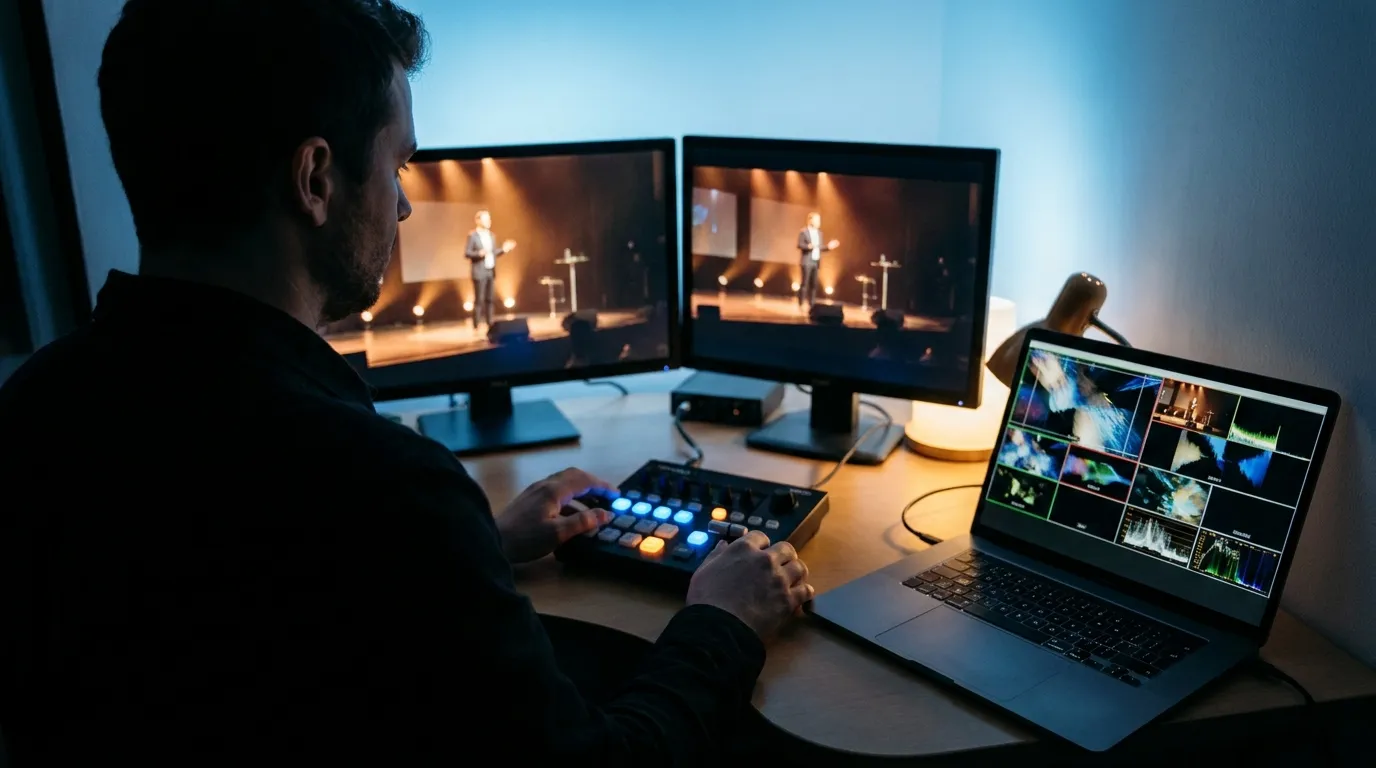
The latest SyncWords Live update brings new ways to work with transcripts, integrate live captions into your production workflow, and improve the viewing experience for translated captions.
From managing post-event content to producing a live show in vMix or delivering multilingual captions to your audience, these updates are designed to make your workflow more flexible.
More flexibility with transcript exports
Need captions for a specific segment of an event? You now have more control over what you export.
With improved transcript exports, you can select a specific time range and export source or translated captions in TXT, SRT, VTT or DFXP format.
It's easier to pull the content you need for editing, reviewing, archiving or repurposing after an event.
Learn more about transcript exports
Bring live captions directly into vMix
For producers working with vMix, integrating live captions into your production is now more straightforward.
The new vMix Caption Bridge lets you send SyncWords live captions directly to vMix Titles, helping you incorporate captions into your existing production workflow.
Learn more about the vMix Caption Bridge
A smoother experience for translated captions
The way captions appear on screen matters, especially when audiences are reading in another language.
With this update, translated captions now appear more smoothly on SyncWords widget pages, creating a more natural reading experience for viewers.
It's another improvement aimed at making multilingual content easier to follow as the conversation unfolds.
Keep moving forward with SyncWords
We're continuing to refine the tools and workflows our customers rely on to deliver live content and reach audiences across languages.
Have a workflow you'd like to improve or a feature you'd like to see? We'd love to hear from you.
Have a workflow you'd like to improve?
Talk to us