Three Simple Steps to Add Captions and Translations to your PheedLoop event
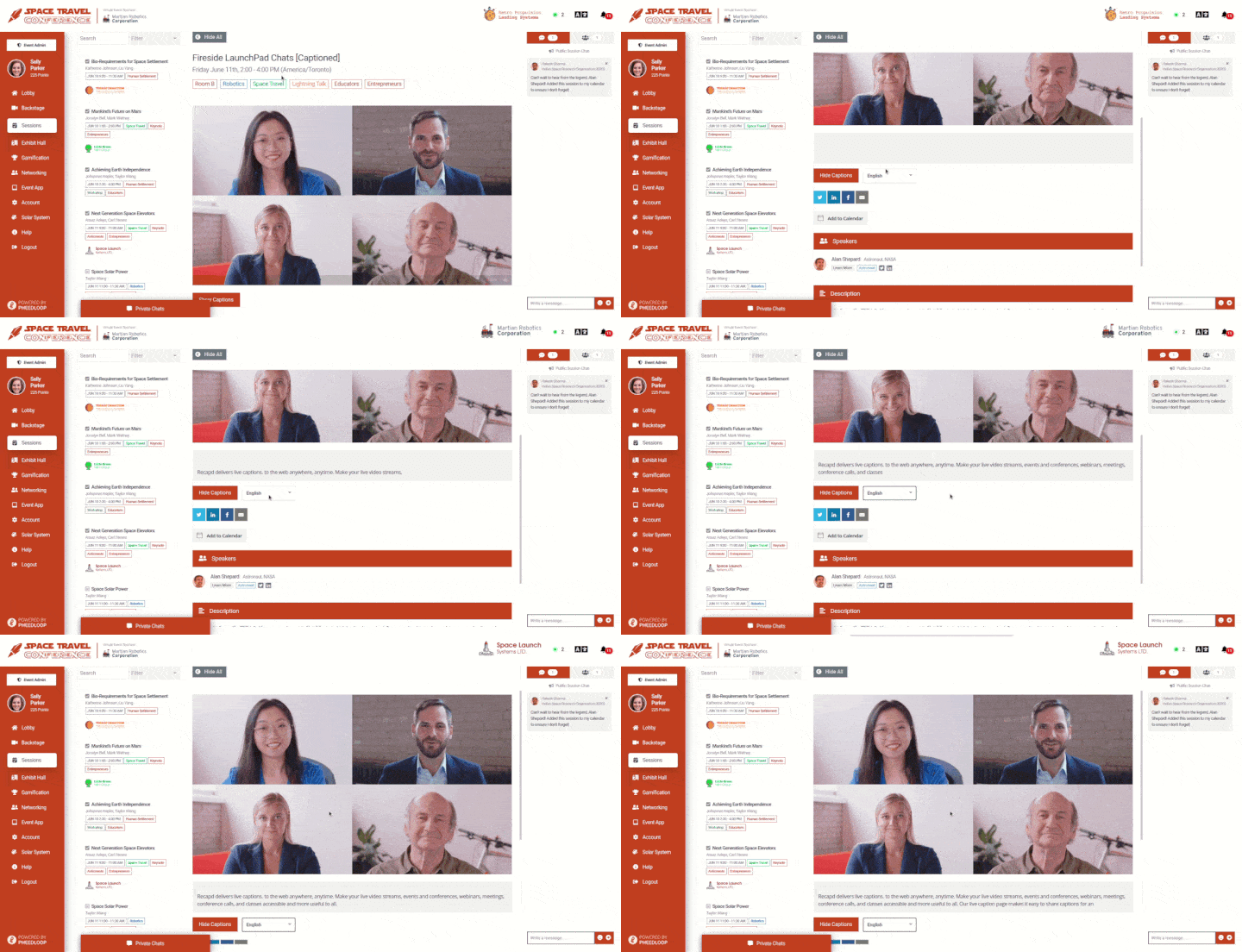
PheedLoop is an end-to-end platform that powers meetings, conferences, summits, and trade shows worldwide. PheedLoop customers were requesting live captions for their meetings but they didn’t have an easy solution they were happy with in place. After seeing some of their customers use our SyncWords Live widget through their own code customizations, PheedLoop reached out to us to formally support their amazing platform. Using this simple integration PheedLoop customers can now easily add captions and translations to their events through SyncWords Live.
Adding a caption and translation widget to PheedLoop
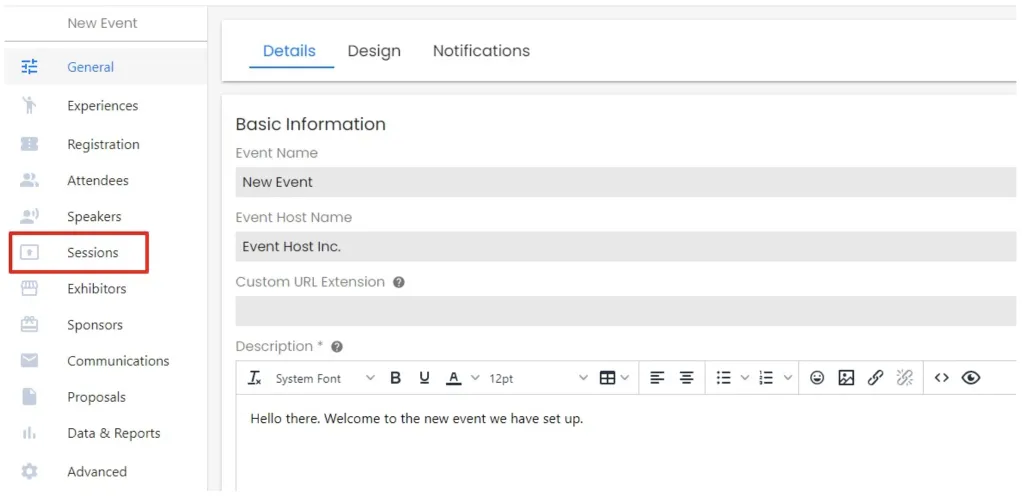
- Once you have logged in to your PheedLoop account click Sessions on the left-hand side of the page.
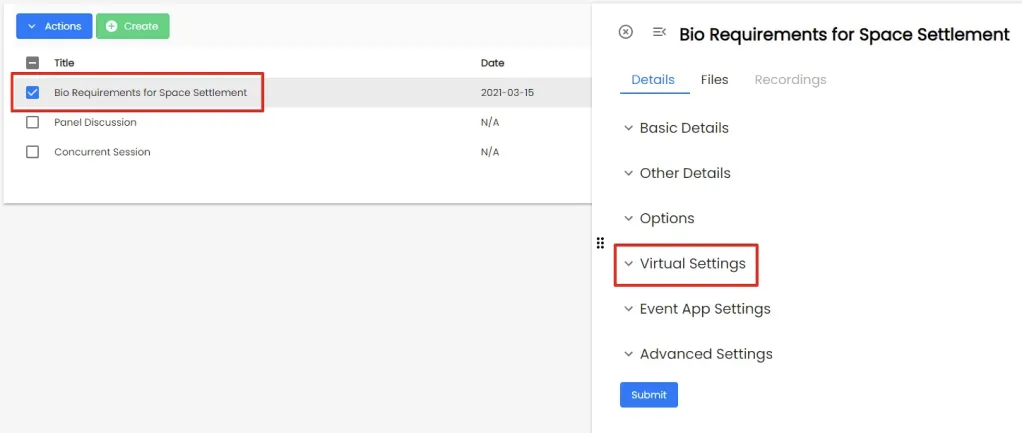
- Next select the session you want to add the SyncWords Live caption widget to and click Virtual Settings.
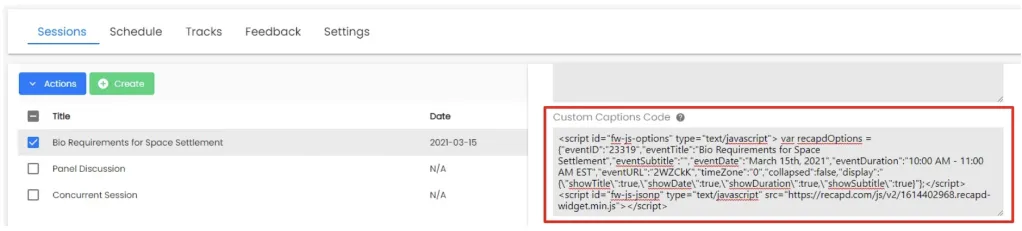
- Finally take the script your SyncWords technician provided you and paste it in to the Custom Captions Code box.
That’s it! You now have captions and their corresponding translations for your PheedLoop event.