One live feed, many languages: captions and translated subtitles in real time
Every subtitle language branches off the same live transcript. How that fan-out works, what decides translation quality, and how to pick and pay for languages.
Adding a language used to mean adding a workflow. Another interpreter booked. Another captioner. Sometimes another encoder and another stream, one per market, each with its own failure points and its own invoice.
That is why most live streams still go out in one language. Not because the audience is monolingual, but because every extra language looked like a separate project.
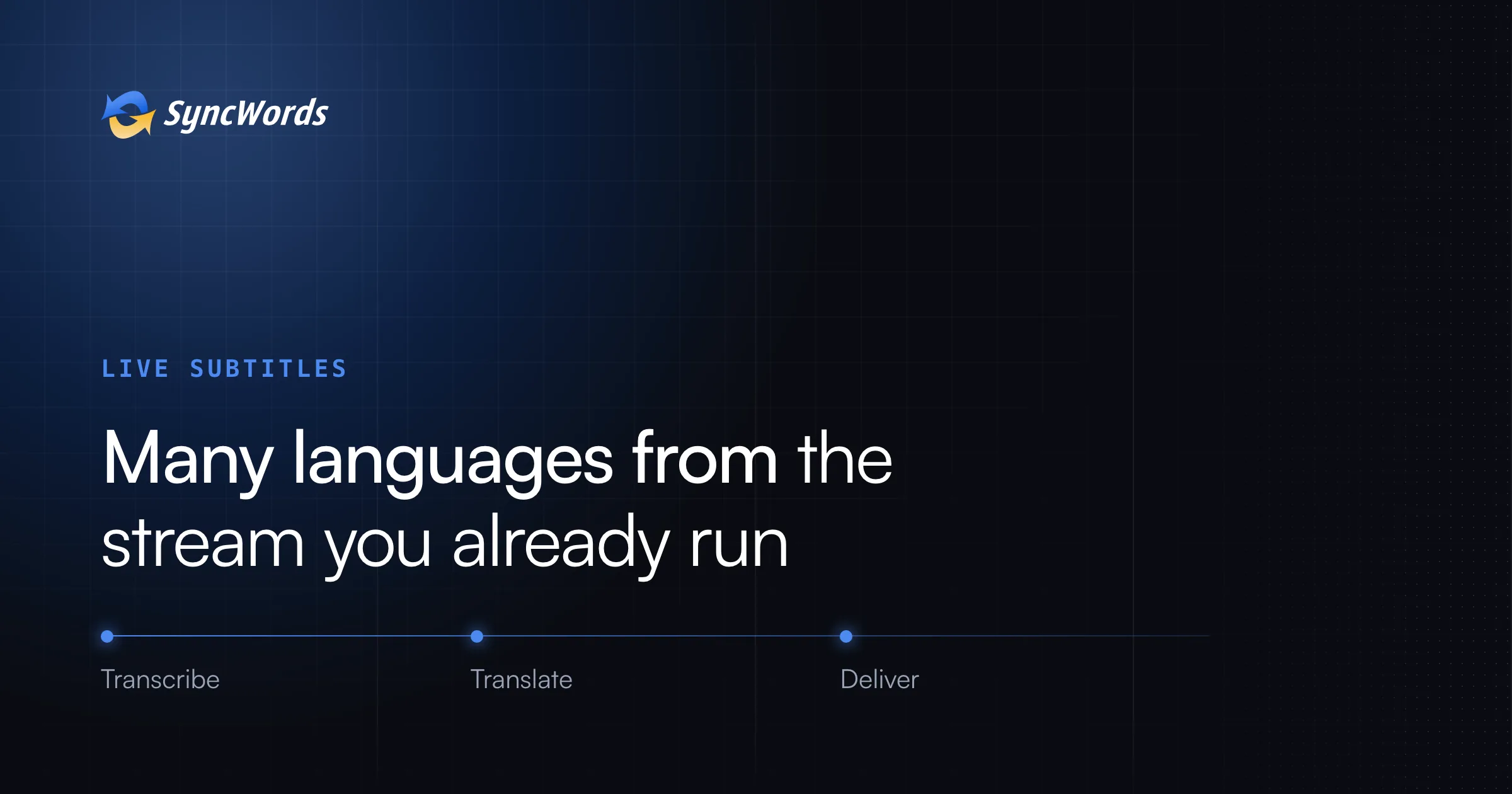
It isn't, anymore. In a SyncWords session every subtitle language is a branch off the same live transcript. Add Spanish and you have not built a Spanish workflow. You have ticked a box on the one you already run.
This post is about what that changes: where quality is decided, how each language reaches viewers, and how to choose and pay for languages. For captioning basics (formats, positions in the chain, how delay works), start with the guide to live captioning for broadcast and streaming.
How one session fans out
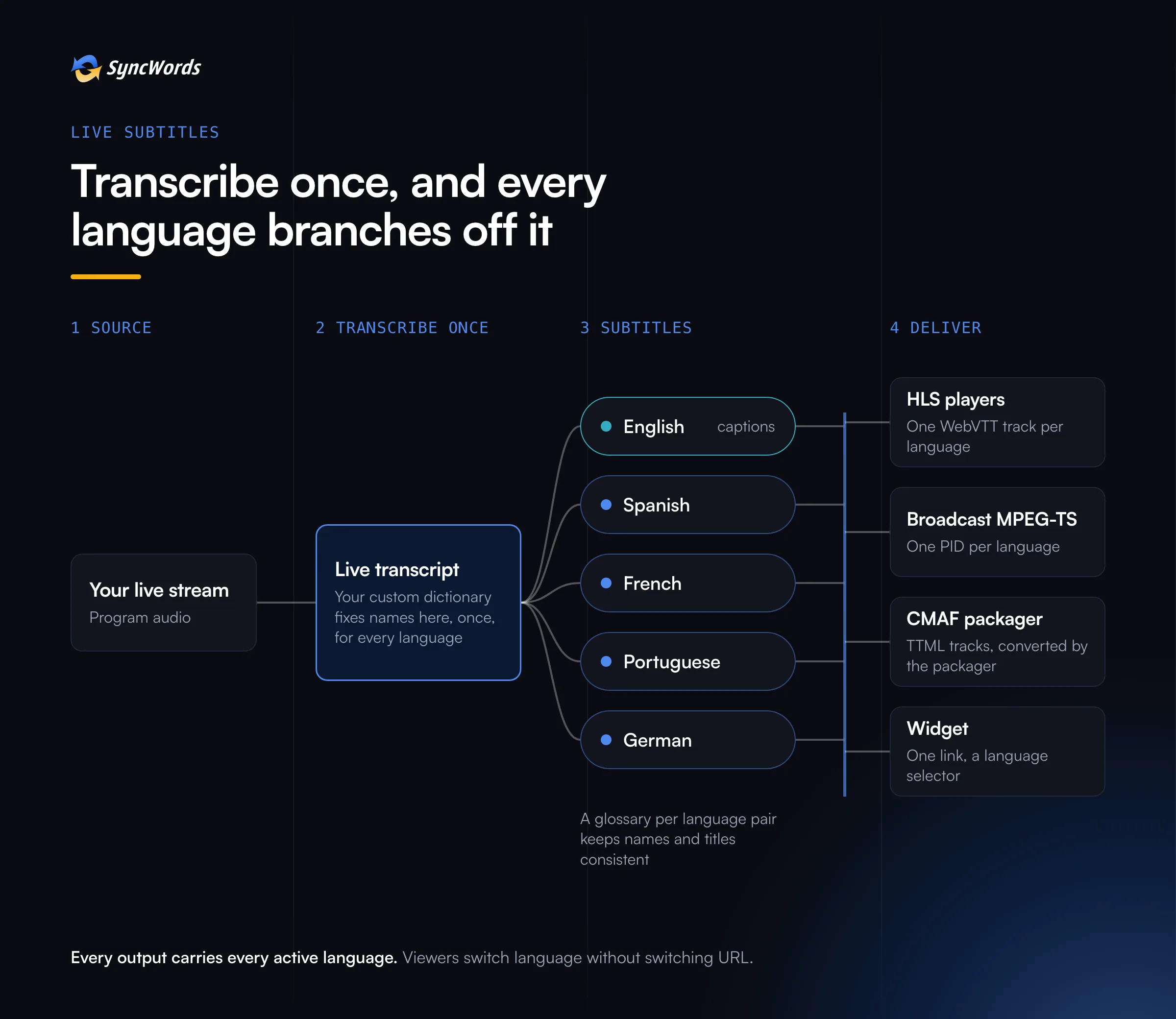
A SyncWords live service is one chain: source, transcription, translations, outputs. The outputs apply to every translation plus the original language. So if a channel already delivers English captions over HLS, adding French and Portuguese adds two more WebVTT tracks to the same HLS, with no new output to configure.
That has three consequences worth planning around.
- There is one transcript, so there is one place to get things right. Every language inherits its quality.
- Every delivery method carries every active language. Viewers switch language in the player or the widget without changing URL.
- Languages are added and removed per session. A one-off event can run a long list of languages and the weekly show two, on the same service.
Quality is decided upstream
That makes the source transcript the lever. Fix a player's name in the dictionary once and it comes out right in Spanish, French and every other track. The live captioning guide covers how to build that dictionary.
Put plainly: if the transcript gets a striker's name wrong, every language gets it wrong. Fix it once, in the dictionary, and every language gets it right.
After the transcript, three controls shape the translation itself:
- Glossaries per language pair. Show titles, brand names, product names and on-air phrases come through the same way every time, in every language. A sponsor's name never gets translated.
- Gender-aware translation. Many languages mark gender in verbs and adjectives where English does not. When speakers are told apart, their gender is passed into translation, so a female guest is not turned into a male one in Spanish or Arabic.
- A choice of translation engine. Engines differ in which languages they cover and how well they handle each pair, so the engine is chosen per language, not once for everything.
How we judge which engine wins for a given pair is its own topic: How we actually measure translation quality, and why most benchmarks get it wrong. In November we are opening access to the Translation Engines comparison tool, so you can compare engines side by side on your own content.
Where each language shows up
The same languages land differently depending on where SyncWords sits in your chain.
- HLS players. Each language is its own WebVTT track. Viewers pick it from the player's caption menu.
- Broadcast MPEG-TS. Each language rides its own PID, labelled so set-top boxes show the selector correctly. On Teletext, each language gets its own page number.
- CMAF into a packager. Each language is a TTML track that the packager converts. On AWS, How to add live captions to AWS MediaLive without re-encoding shows the setup.
- The widget. One link or QR code serves every active language, and each viewer picks from a selector on their own phone.
Two details catch teams out. Right-to-left languages such as Arabic and Hebrew need their direction set per language, which SyncWords does. And non-Latin scripts need a format that can carry them: WebVTT and DVB-TTML do, DVB-SUB does because it sends images, and CEA-608 does not.
Subtitles need more buffer than captions
Same-language captions are quick to produce. Translation takes longer, because a good translation usually waits for the end of a sentence before it commits. If the picture goes out the instant it arrives, subtitles land after the words they translate.
The fix is the buffer: hold the video back long enough that subtitles arrive with the speech they belong to. Viewers do not notice a stream that starts a little later. They do notice subtitles that trail the speaker.
How long depends on the languages, the engine and how much you care about squeezing the last second out of the stream versus giving translation room to get it right. There is no single number, and we set it with you per channel. On a widget for events, the trade is different again, since there is no video to hold back.
Choosing languages, and paying for them
Start with your data. Your analytics already tell you where viewers are and which browser languages they use. Start with the two or three languages that show up, prove the audience, then add more.
Check the source side too. SyncWords Live transcribes 90 live source languages and translates into 163 subtitle target languages, but support depends on the engine, so check your specific pair rather than the headline count.
Know how billing works. Pricing is usage-based, billed in hours, and charged per language and per output. A one-hour session delivering Spanish and French subtitles plus a Spanish dub counts as three hours against the plan. The effective hourly rate falls as committed volume rises. That makes it cheap to test one new market for a month before you commit to it.
Want dubbed audio as well as subtitles? It runs on the same transcript and translations, and it is November's topic on this blog: AI dubbing for live and on-demand video.
See your languages on your stream
Tell us which languages your audience watches in, and we will run them on a stream of yours so you can judge the subtitles yourself.
See your languages on your own stream
Book a Demo